
Download Serif PhotoPlus – Photo Retouching, Web Animations, Image Enhancement
Overview
Serif PhotoPlus is a versatile photo retouching software designed to help users enhance digital images with a suite of tools and filters comparable to those found in professional-grade applications like Adobe Photoshop. The app enables users to adjust brightness, contrast, and color balance, apply red-eye reduction, and perform other essential retouching tasks to improve photo quality. It also supports the creation of small web animations, expanding its utility beyond static image editing. This makes it particularly useful for content creators, hobbyists, and individuals seeking a free alternative for basic to intermediate image manipulation.
Target users include photographers, graphic designers, and digital artists who require a lightweight, accessible tool for image enhancement and simple animation projects. While the software is not intended to replace full-featured desktop editors, it serves as a practical solution for users looking to quickly edit photos or add dynamic elements to web content. The developer, Serif, has a history of producing creative software for the design community, though specific details about the company were not provided in the input.
Real-world use cases include preparing images for social media, enhancing personal photos, and creating animated banners for websites. Its presence in the digital editing ecosystem offers a valuable option for users who want to avoid subscription-based models while still accessing essential editing functions. Despite its limitations in text editing, Serif PhotoPlus remains a functional tool for users seeking a free, no-cost entry point into digital image manipulation.
Key Features & Functionality
- Photo Enhancement Tools: Users can adjust brightness, contrast, and color balance using intuitive sliders and presets. The red-eye reduction feature helps correct common flaws in portrait photography, improving image quality with minimal effort.
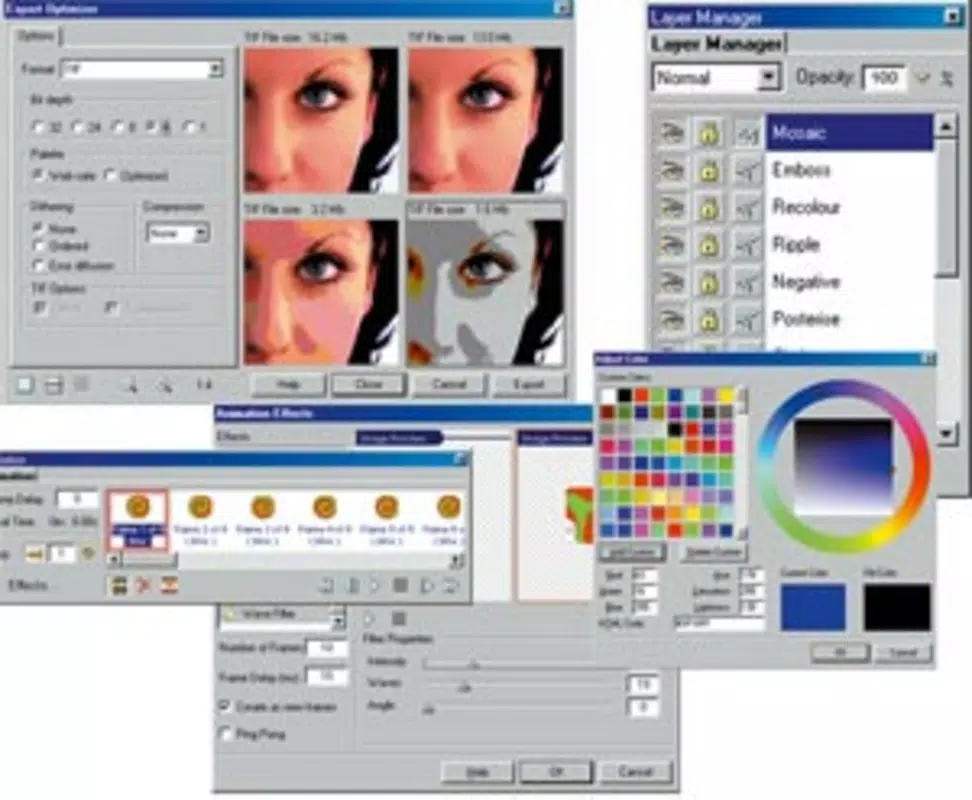
- Animation Creation: Serif PhotoPlus allows users to create short web animations, enabling dynamic visual storytelling. This feature is especially useful for generating animated GIFs or banners for online content.
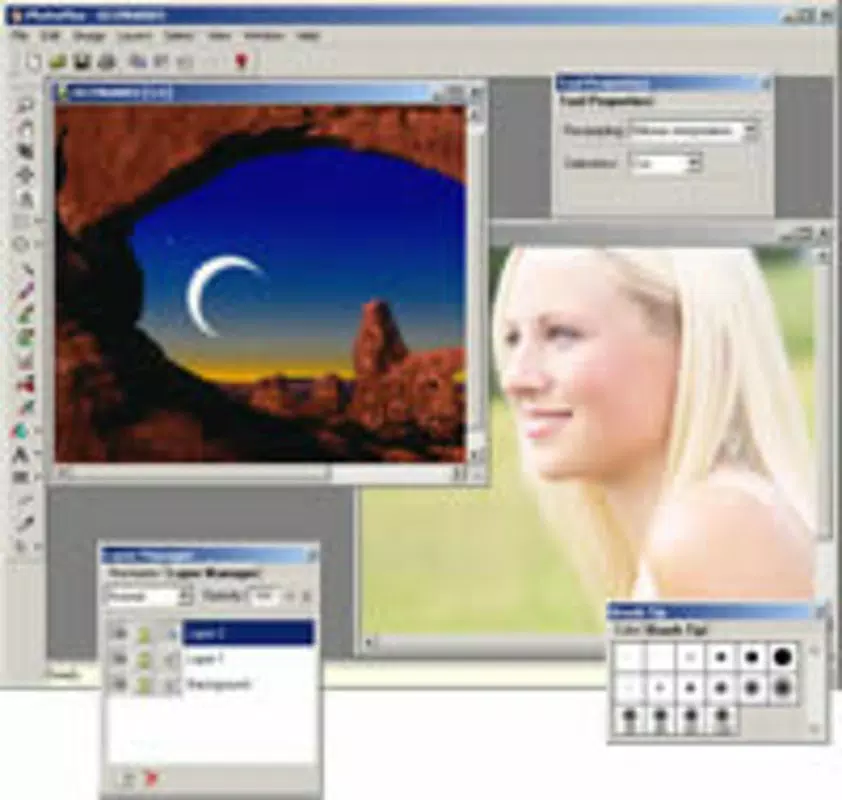
- User-Friendly Interface: The layout is designed for accessibility, with clearly labeled tools and a logical navigation structure. This makes it easier for beginners to learn and for experienced users to work efficiently.
- Registration for Activation: Although the software is free to download and use, users must register to receive an activation code via email. This step is required to unlock full functionality, which may impact the user experience for those seeking instant access.
- Limited Text Editing: The text editor within the app is less refined than those in industry-standard tools. Users may encounter difficulties when creating high-precision text overlays or working with complex typography.
For example, a user preparing a social media post can quickly adjust lighting, apply a filter, and add a short animated transition to capture attention. Similarly, a small business owner might use the animation feature to create a promotional banner without needing advanced design skills. The combination of basic editing and animation tools offers a practical workflow for users with modest creative needs.
Interface, UX & Performance
Serif PhotoPlus features a clean, organized interface that prioritizes accessibility and ease of use. The layout places essential tools within easy reach, with a toolbar at the top and a customizable workspace for managing layers and effects. Visual design elements are minimal but functional, allowing users to focus on their projects without distraction.
Navigating through the app’s features is straightforward, with logical menu hierarchies and tooltips that guide new users. The responsiveness of the interface is consistent across different screen sizes, though specific performance metrics were not provided. The developer did not list formal performance metrics, so real-world behavior on older or low-end devices remains uncertain.
Stability appears to be adequate for basic editing tasks, with no reported crashes or freezes in the available information. However, the absence of detailed technical specifications means users should expect general performance across modern devices. The app runs smoothly for image adjustments and simple animations, but complex projects may strain system resources depending on hardware.
Platform Compatibility & Technical Requirements
Serif PhotoPlus is available on the Windows platform, though specific operating system versions were not listed. The app’s file size is not specified in the provided data, which limits insight into installation requirements and storage usage. The software was released on April 16, 2005, indicating it is a long-standing product with a legacy user base.
Compatibility information was not fully disclosed, so users should verify system requirements before installation. The developer did not specify minimum OS requirements, making it difficult to determine whether the app runs on modern Windows versions such as Windows 10 or 11. Additionally, no details were provided regarding processor speed, RAM, or graphics capabilities.
Pros and Cons
Pros
- Free to download and use, offering accessible photo editing without subscription fees.
- Includes useful tools for brightness, contrast, color balance, and red-eye correction.
- Supports the creation of small web animations for dynamic content.
- Intuitive interface suitable for both beginners and intermediate users.
- Provides a lightweight alternative to complex, paid software like Adobe Photoshop.
Cons
- Text editing capabilities are limited compared to industry-standard tools.
- Registration is required to activate the software, which may deter users seeking instant access.
- Specific technical requirements and system compatibility were not disclosed.
- App is outdated, with a release date from 2005, raising concerns about modern OS support.
- Lack of updates or modern features may affect long-term usability.
FAQ
Is Serif PhotoPlus safe to download and install?
The software is available through official channels, but users should ensure they download from trusted sources to avoid malware. Given its release date, compatibility with current systems should be verified before installation.
Can I use Serif PhotoPlus without registering?
No, registration is required to obtain an activation code via email. The software cannot be used fully without completing this step.
Does Serif PhotoPlus support modern file formats?
Specific file format support was not listed. Users should check the official documentation or test compatibility with formats like JPEG, PNG, and GIF.
Is Serif PhotoPlus available for mobile devices?
Based on the provided information, the app is designed for desktop use on Windows. There is no indication of a mobile version or availability on Android or iOS.
How often is Serif PhotoPlus updated?
There is no information about update frequency. The last release was in 2005, suggesting the software may no longer receive regular updates.
Final Thoughts
Serif PhotoPlus remains a notable entry in the history of free image editing software, offering a range of tools for photo enhancement and basic animation creation. While its outdated release date raises concerns about compatibility with modern operating systems, it still provides value for users seeking a no-cost alternative to commercial software. The intuitive interface and accessible features make it suitable for beginners and casual users who need to edit photos or create simple animated content.
However, limitations in text editing and the mandatory registration process may hinder the experience for some. Users should weigh these factors against their needs. For those looking for a lightweight, free tool with essential editing functions, Serif PhotoPlus could still be a viable option—especially if it runs on their system.
Download Serif PhotoPlus now


